The short answer
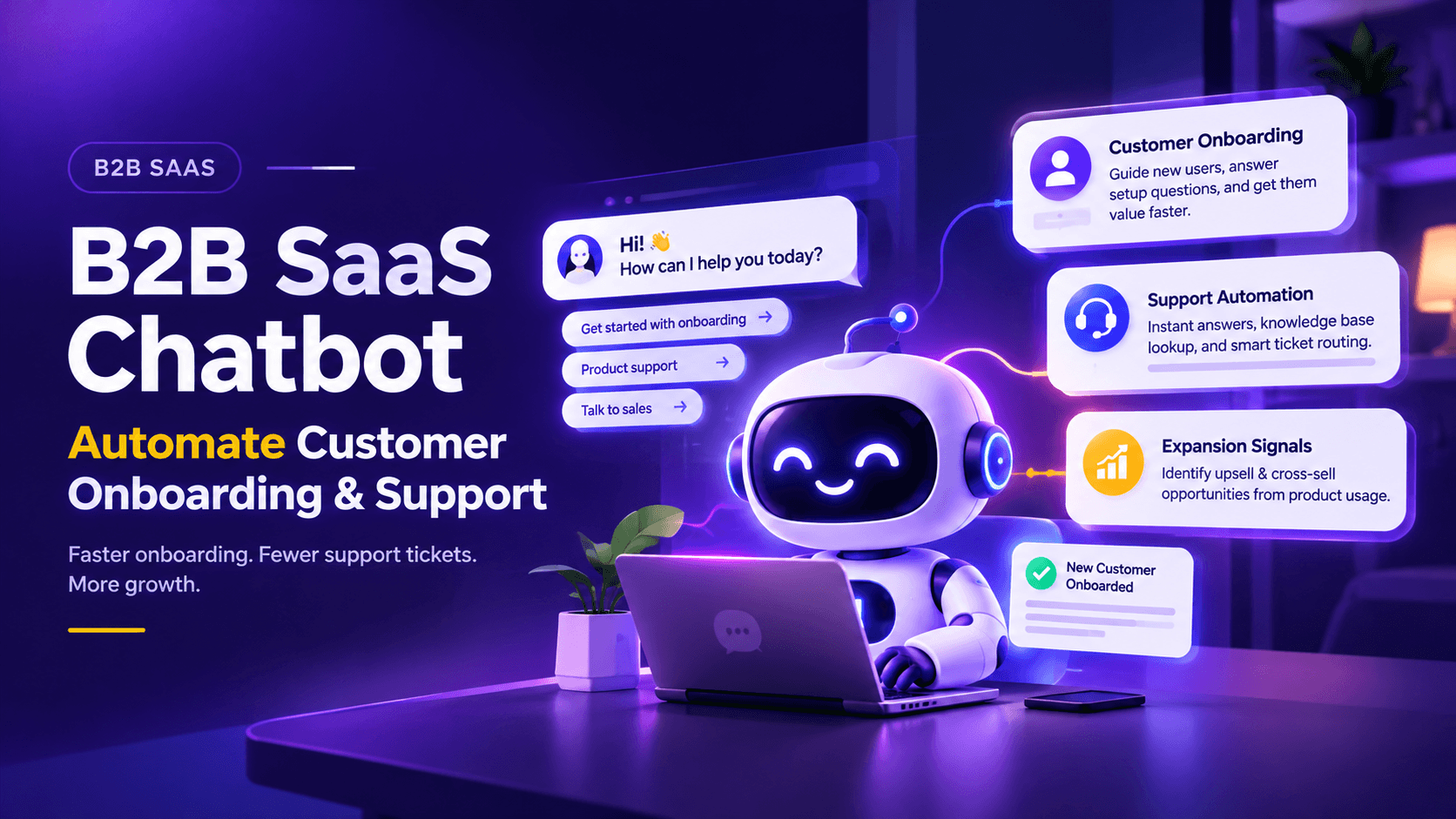
B2B SaaS companies run expensive customer success teams and high-volume support operations. An AI chatbot takes the first conversation off both: answering onboarding questions in-product, deflecting support tickets with knowledge-base lookup, routing complex issues with context attached, and surfacing expansion signals from product-usage patterns. Customer success spends time on strategic conversations, support spends time on real issues, and new customers activate faster.
The B2B SaaS support and onboarding reality
B2B SaaS economics depend on three numbers: time-to-value for new customers, net revenue retention, and support cost per customer. All three are harder to move than most other software metrics, and all three can quietly erode without anyone catching the trend until renewal.
Time-to-value tends to be slow because new customers do not read the onboarding emails, miss the product tour, and reach out to support for questions whose answers already exist in the help documentation. Support cost per customer climbs because every ticket is a human conversation. Net revenue retention stalls because customer success teams spend their time on reactive support rather than strategic expansion conversations.
For an Indian B2B SaaS company with 500 paying customers, that typically looks like: 200 onboarding conversations a month, 400 support tickets a month, and a customer success team that spends 60 percent of its time answering questions the documentation already answers. The most expensive people on the payroll (customer success managers at Rs 15 to 25 lakh annual CTC) end up doing work that could have been deflected.
An AI chatbot changes the economics by taking the first conversation on all three fronts.
Four things an AI chatbot does for B2B SaaS
Onboarding and product discovery
When a new customer logs in for the first time, the chatbot greets them in-product, asks what they are trying to achieve, and routes them to the right feature or walkthrough. Onboarding stops being a passive email sequence and becomes an active conversation. Customers who would have abandoned in Week 1 complete setup instead.
Documentation lookup
Most support tickets are "how do I" questions whose answers already exist in the help documentation. The chatbot indexes the documentation, answers questions directly with a quote and a link to the source article, and only escalates to a human when the question is genuinely outside the knowledge base. For most Indian SaaS companies with reasonable documentation, this deflects 40 to 60 percent of inbound tickets.
Support ticket triage
For tickets that do need a human, the chatbot captures the specifics (product area, severity, customer tier, screenshots, account details) and routes to the right support engineer with the context attached. The old world's "let me check with the team and get back to you" email becomes a routed ticket with everything the engineer needs to solve it.
Customer success signals
The chatbot sees patterns the support team misses. A customer asking repeat questions about a feature they are not activating is a churn signal. A customer asking about a feature available only in a higher plan tier is an expansion signal. The chatbot surfaces these signals to the customer success team so the right conversation happens at the right moment, not six weeks too late.
The B2B SaaS economics with numbers
Take a mid-sized Indian B2B SaaS company with 500 customers paying between Rs 15,000 and Rs 40,000 a month.
| Metric | Before the chatbot | After the chatbot |
|---|---|---|
| Inbound support queries per month | 400 tickets | 400 queries, 50% deflected by knowledge-base lookup, 200 tickets to humans |
| Hours per ticket (first response plus resolution) | 1.5 hours | 1.0 hour (context already attached) |
| Total support hours per month | 600 | 200 (down 67%) |
| Onboarding completion (activation within 30 days) | 55% | 72% (chatbot-guided activation) |
| Customer success manager time on reactive support | 60% | 25%, freed for strategic conversations |
| Average time-to-activation | 21 days | 11 days |
A day in the life of a B2B SaaS chatbot
Three illustrative scenarios show the pattern.
Scenario 1: New customer onboarding
A new customer logs in for the first time. The chatbot greets them with "Welcome. What are you trying to set up first?" The customer says "I want to send my first campaign." The chatbot walks them through the three setup steps in-product, pointing to the right UI elements as they go. Twenty minutes later, the first campaign is sent. The customer success team logs in Monday to a customer who has already activated, not one who is stuck on step one.
Scenario 2: Repeat support question
A customer asks "how do I export data from the reporting dashboard?" The chatbot checks the knowledge base, finds the article, and answers directly: "You can export from the dashboard's top-right menu. Here is the guide for CSV, Excel, and PDF export options." The customer is unblocked in 10 seconds. No ticket was created. The support team never saw the question.
Scenario 3: Expansion signal
A customer on the Starter plan asks about the "team analytics" feature. The chatbot explains that team analytics is a Pro-plan feature, shares the comparison link, and quietly tags the customer in the CRM as "expansion-interested, asked about team analytics on 15 November." The customer success manager sees the tag during their weekly review and reaches out with a targeted expansion conversation while the interest is still fresh.
Setting up a B2B SaaS chatbot: five things to configure
| Step | What it involves |
|---|---|
| 1. Knowledge base ingestion | The chatbot indexes your help documentation, product documentation, and FAQ pages. Documentation quality is the ceiling on chatbot quality: the chatbot can only answer what the documentation actually explains. Documentation gaps become chatbot gaps. |
| 2. Product tour integration | For onboarding, the chatbot needs to know what features exist, what the setup sequence looks like, and what success looks like for a new customer. Integration with your product analytics (Mixpanel, Amplitude, PostHog) helps the chatbot ground its guidance in real usage data. |
| 3. Support ticket routing rules | When the chatbot escalates to a human, where does the ticket go? By product area, customer tier, severity, or round-robin. Clear routing prevents escalations landing on the wrong team. |
| 4. Expansion and churn signal rules | What product-usage patterns indicate expansion interest? What patterns indicate churn risk? The chatbot flags these to customer success based on the rules you define. |
| 5. CRM and support tool integration | Where chatbot interactions land: HubSpot, Salesforce or Zoho for CRM; your support tool for ticket handoff. Hot escalations trigger alerts. All interactions log for pattern analysis. |
Configured for you in 48 hours
For MagicFlow AI, the team configures all five during the managed 48-hour launch so your SaaS team does not run an internal integration project. Customers who write in Hindi or a regional language are covered too; see how multi-language chatbots work for Indian businesses, or read the full AI chatbot for India buyer's guide.
What to do next
If your Indian B2B SaaS business is spending customer success manager time on reactive support, missing expansion signals in product usage, or seeing onboarding stall at Week 1, an AI chatbot can take the first conversation on all three fronts.
Start a 30-day free trial of MagicFlow AI and connect it to your product and help documentation. The managed 48-hour launch indexes your knowledge base, configures the escalation rules for your support team, and sets up expansion-signal flagging for customer success. Prefer to talk it through first? Talk to an expert.
Common questions from this article.

Founder, MagicFlow AI | MagicWorks IT Solutions Pvt. Ltd.
Swapnil has been building AI-first digital marketing products and running MagicWorks IT Solutions Pvt. Ltd. since 2012. MagicFlow AI is his latest venture: an intelligent conversational AI platform designed for businesses and agencies that need more than a chatbot and less than a full autonomous agent stack.